
AI scheduling for multi-location practices: how to manage 3 offices without 3 separate front desks
Supposedly growth will only strengthen a practice. However, for many healthcare practices adding a second or third location comes with a new set of problems: how to coordinate patient scheduling across several locations where each location operates as an individual practice.
A system that works well for a practice in one location does not work when it becomes an organization of several locations. Each office will have its own call queue, each office will manage its own provider’s schedules, each office will handle cancellations and its own scheduling workflow. Patients seeking to get scheduled on the earliest day may be transferred around multiple offices, put on hold, or even told to call back to a different office. All while the front desk employees are tied up handling scheduling tasks that should be managed organization-wide.
This is more than just a hassle. Multiple disconnected schedules create a higher workload for administrators and inconsistent patient access between locations, and make it difficult to utilize provider capacity at different offices. At some point it becomes inefficient to manage through a system of manual workarounds. It’s not about the people, it’s about not having a unified view of schedules between offices; and the best way to solve this is to find a method for managing a holistic schedule, routing patients appropriately, and alleviating the administrative workload across offices.
What actually breaks when you scale to three locations
The problems at a three-location practice are not three times the problems of one location. They compound differently.
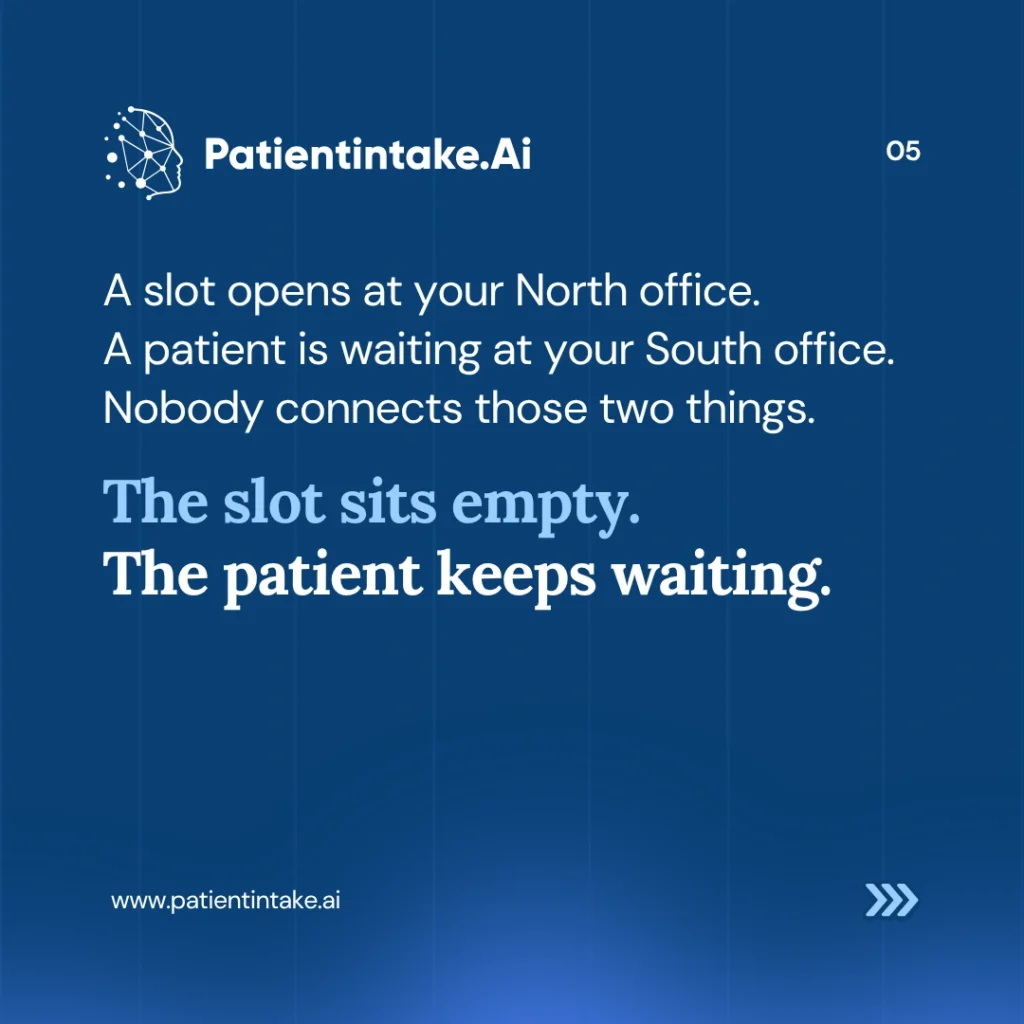
Provider availability becomes invisible across sites: A patient calling your North office does not know your South office has a same-week opening with the same provider type. The front desk at North cannot see that availability in real time, or does not have a protocol to offer it. That patient either waits longer than they need to or books elsewhere. You lose the visit either way.
Call volume spreads unevenly: One location might field 90 calls on a Monday while another takes 40. If each site handles its own calls, the busy one gets overwhelmed and the lighter one sits underused. You cannot balance what you cannot see.
Cancellation slots go unfilled: A last-minute cancellation at your East office rarely gets filled by a patient on the waitlist at your West office, because no one is watching all three cancellation lists at once. The slot sits open. The patient waits.
Institutional knowledge walks out the door: When a front desk coordinator who informally knows all three locations leaves, that cross-location knowledge leaves with them. It consistently ranks administrative turnover among the top operational challenges for multi-site practices. Patients who relied on that person started from scratch.
Reporting becomes a patchwork: Three independently managed scheduling systems mean no aggregate view of no-show rates, booking abandonment by site, or provider utilization across the practice. You are making capacity decisions based on incomplete data.
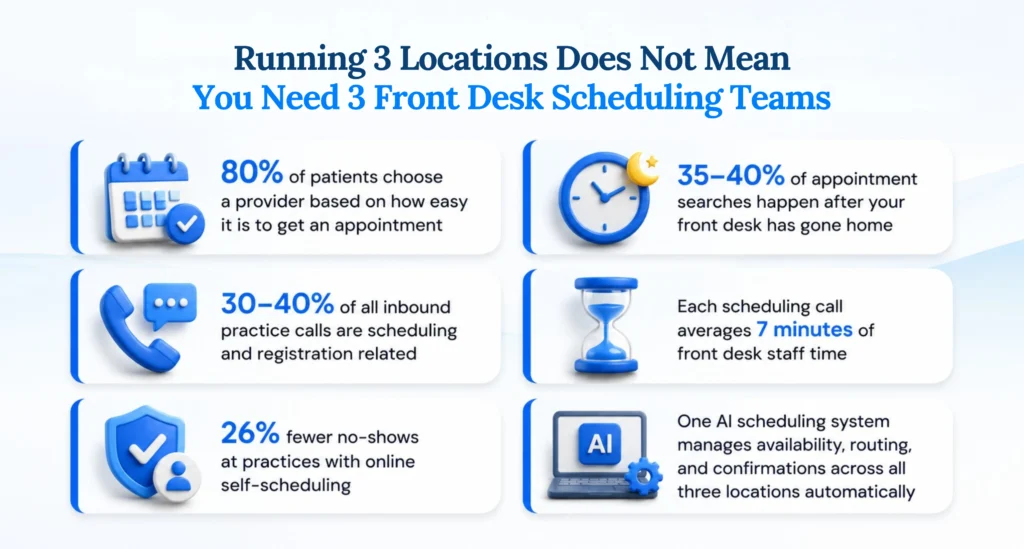
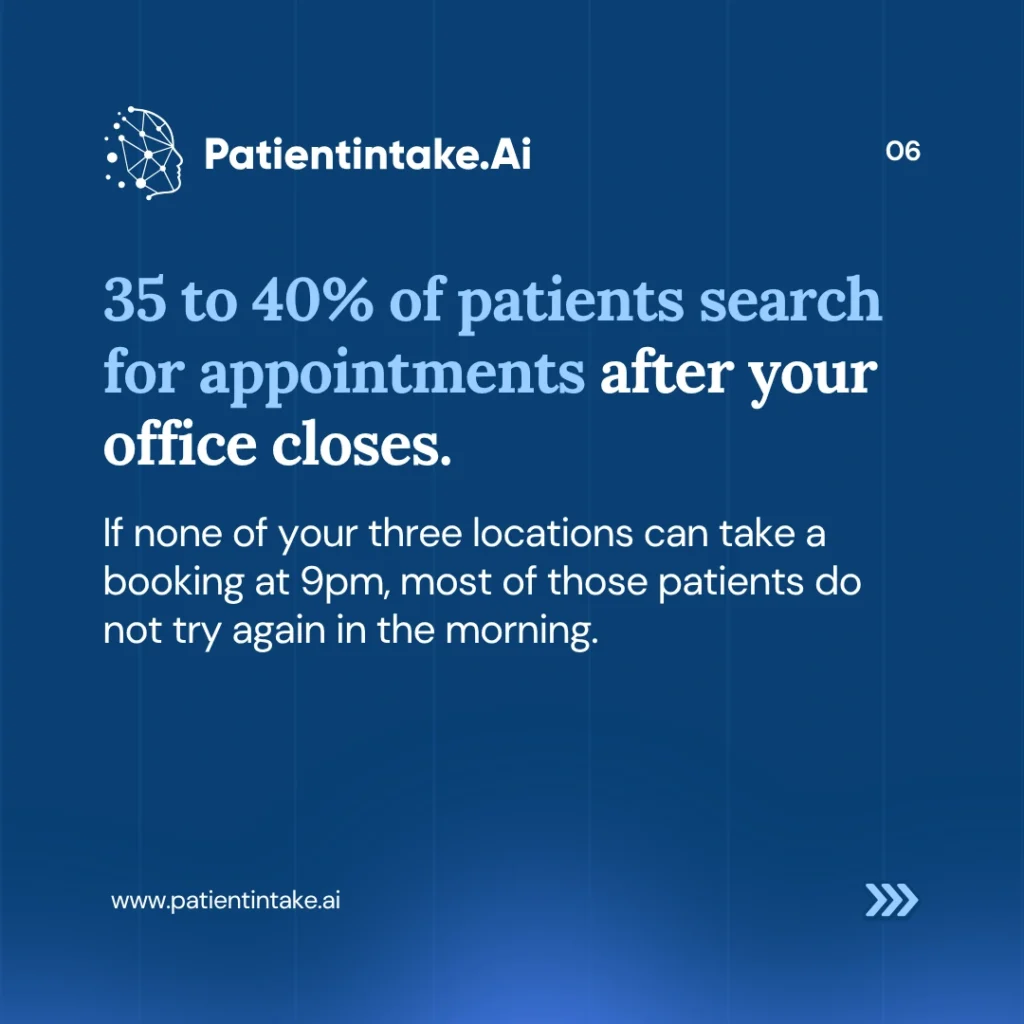
After-hours searches convert to nothing: Many patients prefer to look for and book appointments during evenings, weekends, and other times when healthcare offices are typically closed. A patient searching at 9pm across any of your three locations and finding no way to book does not usually try again in the morning.
What multi-location AI scheduling actually does
The difference between a basic online booking form and AI-powered scheduling is not cosmetic. A form shows slots and lets patients pick one. AI scheduling manages the logic behind those slots across every location, simultaneously.
For a multi-location practice, that logic covers several things a static form cannot.
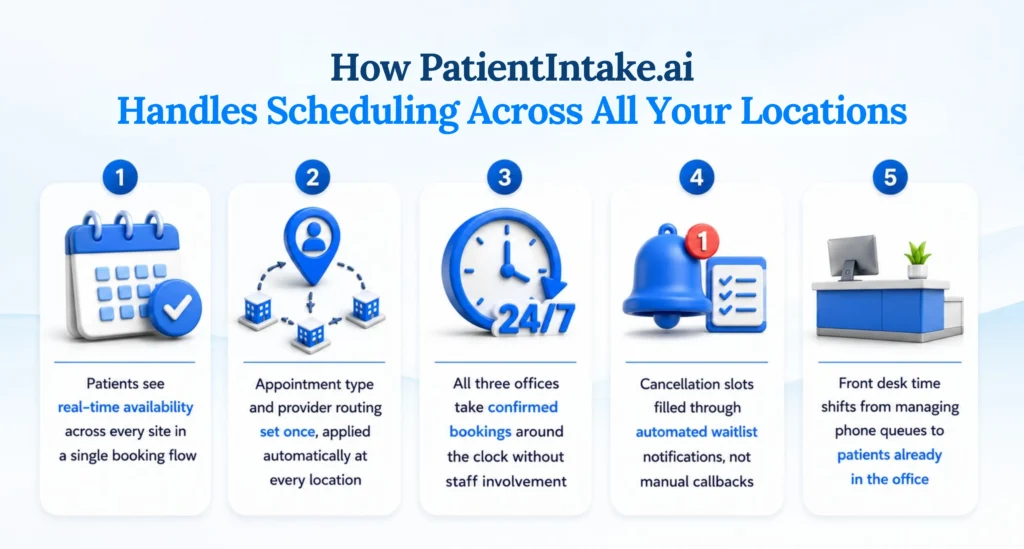
Cross-location availability in one view: A patient searching for the earliest appointment sees options across all three of your offices, filtered by the appointment type they need. They pick the location and time that works. Your front desk is not in the middle of that conversation.
Appointment type routing: Not every visit can go to every provider at every location. A new patient physical, a follow-up for a chronic condition, a same-day urgent slot: each has different requirements. AI scheduling matches the appointment type to the right provider and site automatically. The routing rules you configure once apply at every location, without your front desk needing to remember them.
24/7 booking without 24/7 staff: A patient searching at 9pm gets real availability and a confirmed booking, not a voicemail. Nothing sits in a queue waiting for staff on Monday morning. Patients increasingly expect the ability to schedule appointments online without having to call during office hours.
Automated confirmations and reminders at scale: A confirmation goes out immediately when a booking is made. A reminder follows before the appointment date. Accenture’s healthcare consumer research found that practices with online self-scheduling report 26 percent fewer no-shows compared to phone-only booking. At three locations, that reduction adds up.
Waitlist management that actually closes open slots: When a cancellation comes in, the system notifies eligible patients on the waitlist for that site, that provider, or that appointment type. The slot gets filled without a coordinator making calls. It either fills or it does not, with no manual effort either way.
The front desk question you should be asking
The instinct when a multi-location practice has scheduling problems is to add staff. More calls, more people to answer them. It makes sense on the surface.
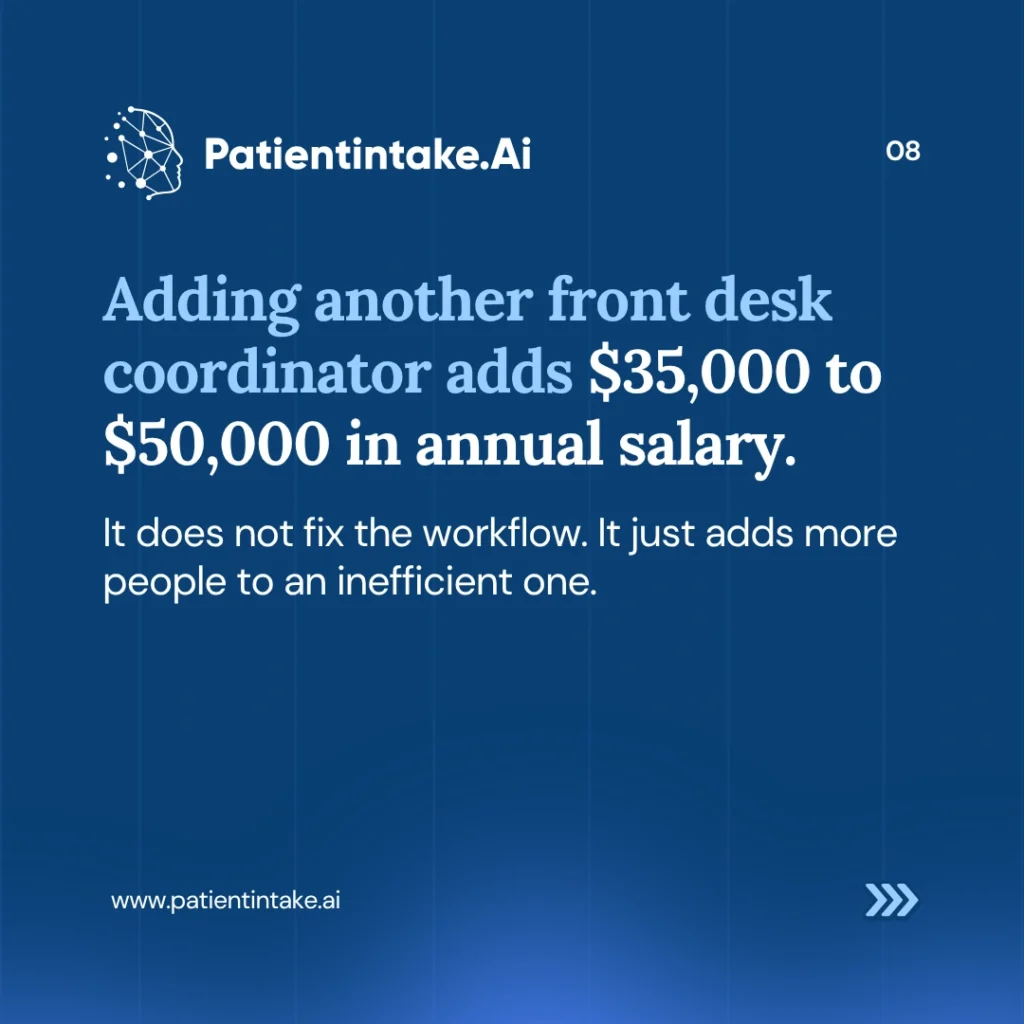
The problem is that adding staff does not change the underlying workflow. It adds more people to an inefficient one.
Appointment scheduling remains one of the most common reasons patients contact healthcare practices. In many organizations, scheduling and registration-related inquiries account for a significant share of inbound call volume, with each interaction requiring several minutes of staff time to complete. When those calls are multiplied across multiple providers and locations, the hours spent on phone-based scheduling add up quickly. Front-desk teams often devote a substantial portion of their day to booking, rescheduling, and confirming appointments, limiting the time available for other patient-facing responsibilities. Self-scheduling tools help shift much of that routine administrative work to a digital channel, allowing staff to focus on higher-value tasks while giving patients the flexibility to book appointments on their own schedule.
As administrative responsibilities continue to grow, scheduling inefficiencies can place additional pressure on already stretched healthcare teams. The front desk teams absorbing cross-location scheduling complexity are burning out on a workflow problem, not a people problem.
When routine bookings move out of the phone queue, your front desk can focus on patients who are already standing in the office. That is where their time produces the most value.
The data gap you are probably not tracking
How to think about rollout across three sites
Deploying scheduling AI across multiple locations does not require replacing everything at once.
Start with the location that has the highest call volume and the most scheduling-related staff strain. That is where the impact shows up fastest and where you can measure it most clearly. Before you go live, baseline your call volume, scheduling call percentage, no-show rate, and front desk hours spent on scheduling.
Once the first location is running, the second deployment is faster because the appointment type logic, provider routing rules, and confirmation workflows are already built. You are applying a working system to a new site, not starting from scratch. The third follows the same pattern. Most practices that sequence it this way are fully deployed across three sites within a few months.
The cross-location availability piece comes after each individual site is working. That is when patients start seeing real-time availability across your full practice, and when the routing intelligence starts filling gaps that used to go unnoticed.
The Bottom Line
For multi-location practices, scheduling efficiency is not just an operational metric. It directly affects patient access, staff workload, and overall practice performance. Small inconsistencies between locations can create friction that leads to missed appointments, unfilled schedules, and lost opportunities for growth.
The most effective way to identify these gaps is to look at the patient journey from start to finish. How easily can patients book an appointment? How consistently are reminders sent? Is the experience the same across every location and every time of day?
Today’s patients expect convenience, flexibility, and immediate access. Practices that make scheduling simple and accessible are better positioned to meet those expectations while maximizing provider capacity. By regularly evaluating scheduling workflows across all locations, healthcare organizations can uncover hidden inefficiencies, improve the patient experience, and ensure that every available appointment slot has the best chance of being filled.
As patient expectations continue to evolve, many practices are turning to digital intake, scheduling AI, automated reminders, and centralized patient engagement tools to create a more consistent experience across every location. The goal is not simply to fill appointment slots, but to make access to care easier for patients while reducing administrative burden for staff.
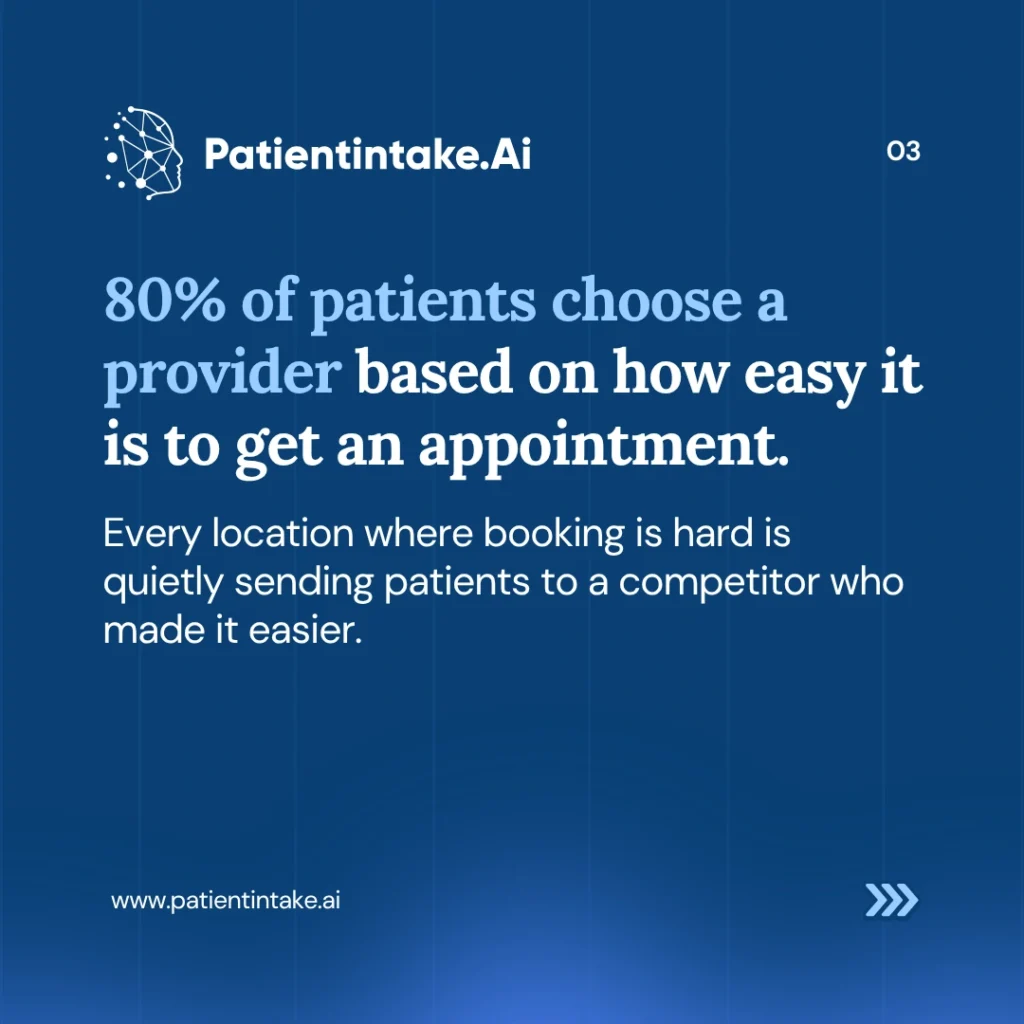


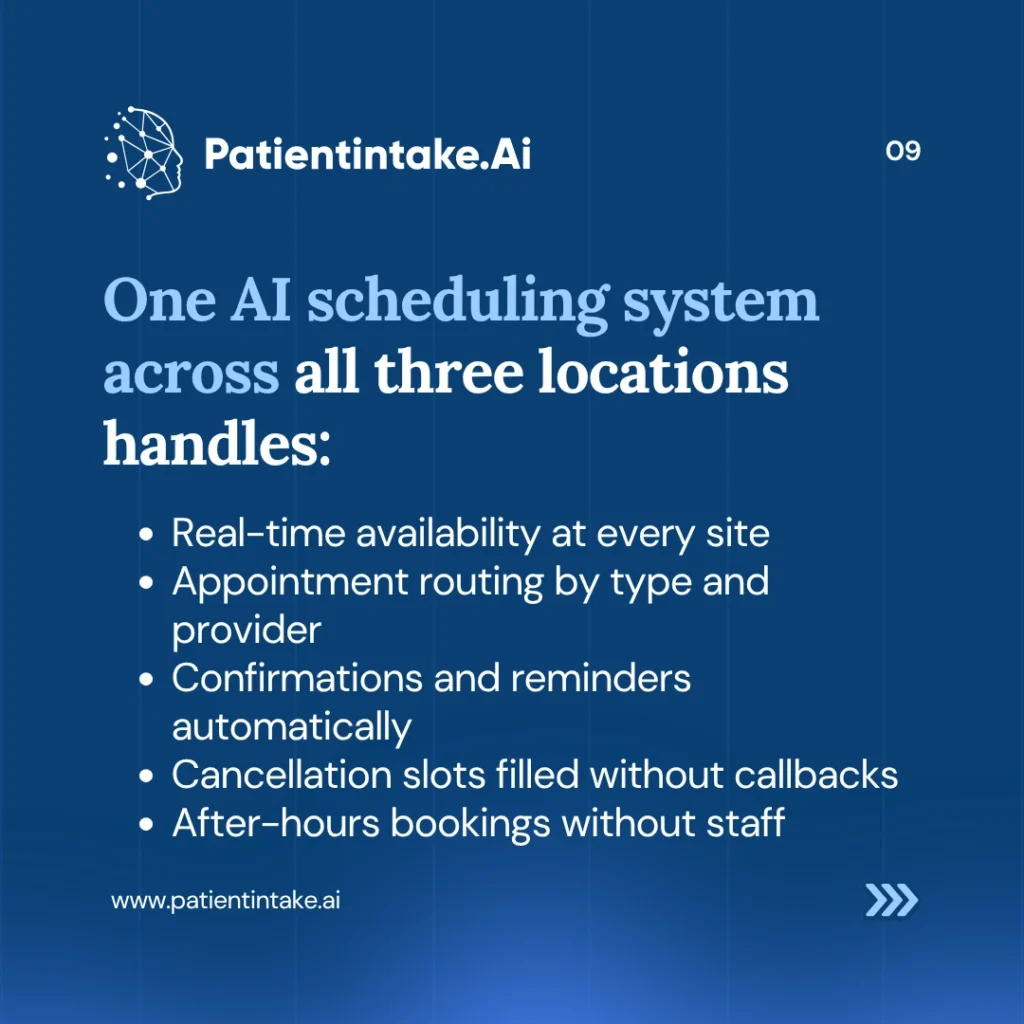
Most multi-location practices run either a shared phone line across sites or separate scheduling setups at each location. Neither gives you a unified view of availability, and neither routes patients automatically based on appointment type, provider, or site. Multi-location AI scheduling sits across all of your offices as a single system. A patient searching for an appointment sees real-time availability at every location, gets matched to the right provider and appointment type, books without calling, and receives confirmations automatically. Your front desk is not required for any of that transaction.
When scheduling is quick and straightforward, many patients would rather book an appointment online than wait on hold or call during office hours. Others may still prefer a phone conversation, particularly when insurance questions or unique circumstances are involved. A strong scheduling strategy accommodates both. Rather than eliminating phone support, it helps free up staff from routine booking tasks so they can spend more time assisting patients who need additional guidance.
You configure the routing logic once during setup. A new patient physical might only be available at two of your three sites. A same-day urgent visit might go to whoever has the earliest opening across all three. The system applies those rules every time a patient books, without your front desk needing to know them by memory.
When a cancellation comes in, the system checks the waitlist for that site, that provider, or that appointment type and notifies the next eligible patient automatically. No coordinator needs to call down a list. The slot fills, or it does not, with no manual effort required either way. This tends to be one of the clearest operational wins at multi-location practices.
Most AI scheduling platforms are built to integrate with common EHR systems so that bookings, patient records, and provider calendars stay in sync. Before evaluating any vendor, confirm which EHR systems they support and whether the integration is bidirectional, meaning bookings made in the scheduling tool update your EHR calendar in real time, not just as a one-way export.
Administrative staffing is a major investment for healthcare organizations, particularly when recruitment, training, and employee retention costs are taken into account. AI scheduling platforms are typically priced well below that annual figure, and unlike a new hire, the system does not need orientation, sick days, or replacement when it leaves. If you are weighing adding headcount to manage scheduling volume, run the platform cost against that salary number before posting the job.
The first location takes the most time because that is when you are building the appointment type logic, provider routing rules, and confirmation workflows. The second and third locations go faster because you are applying a working system to a new site. Most practices that approach it sequentially, starting with their highest-volume location, are fully deployed across three sites within a few months.